
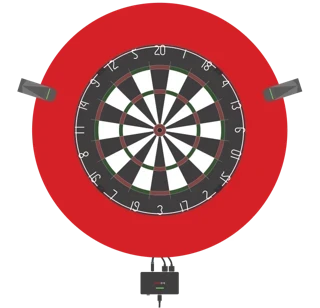


GranDarts App
How to Play GRANBOARD132 on the GranDarts App
Overview
How to Play GRANBOARD132 on the GranDarts App
Connection Procedure for GranDarts App and GRANBOARD132
1. Install the GranDarts App
Install the GranDarts App on your device
Install GranDarts App|for Android
2. Sign in with Your Account
Sign in with the account you use for GRANBOARD.
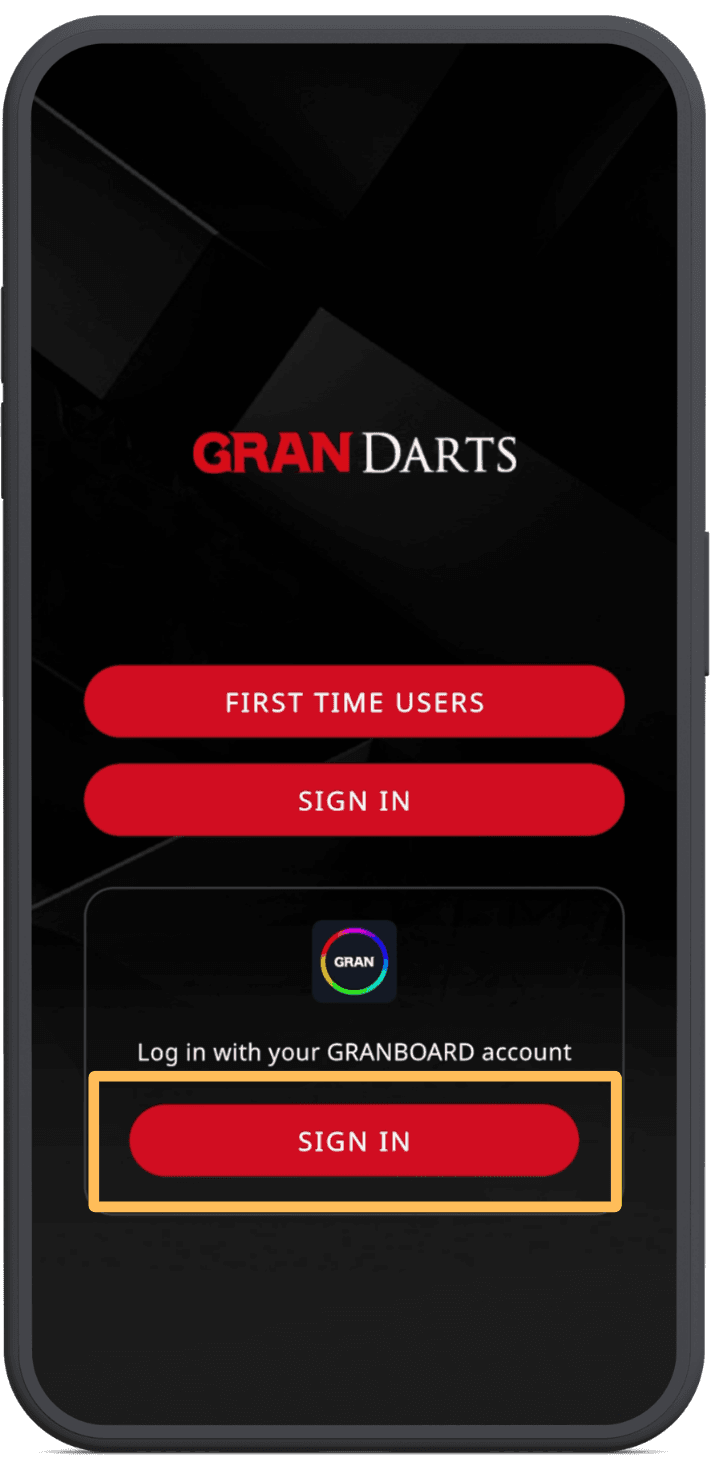
Tap SIGN IN and log in using the same account information you use for the GranBoard App or the GranPlayer App.
3. Select Your Player
After logging in, choose which player you want to use.
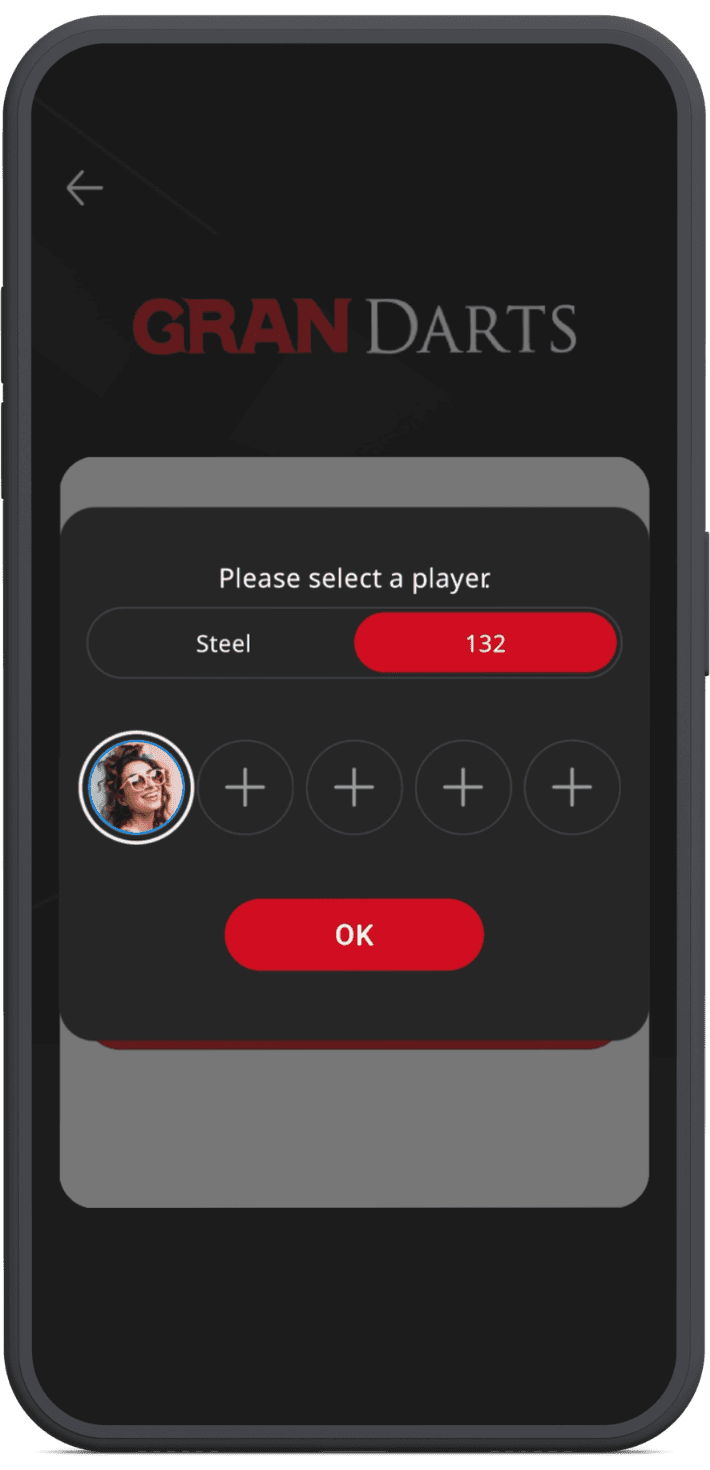
Tap the [132] tab and select your player.
If you haven’t registered a player profile for GRANBOARD132 yet, tap [+] to create a new player.
4. Connect Automatically
Once you select a player, the app will automatically connect to your GRANBOARD.
⚠️ To connect via Bluetooth, please allow all required permissions when prompted.
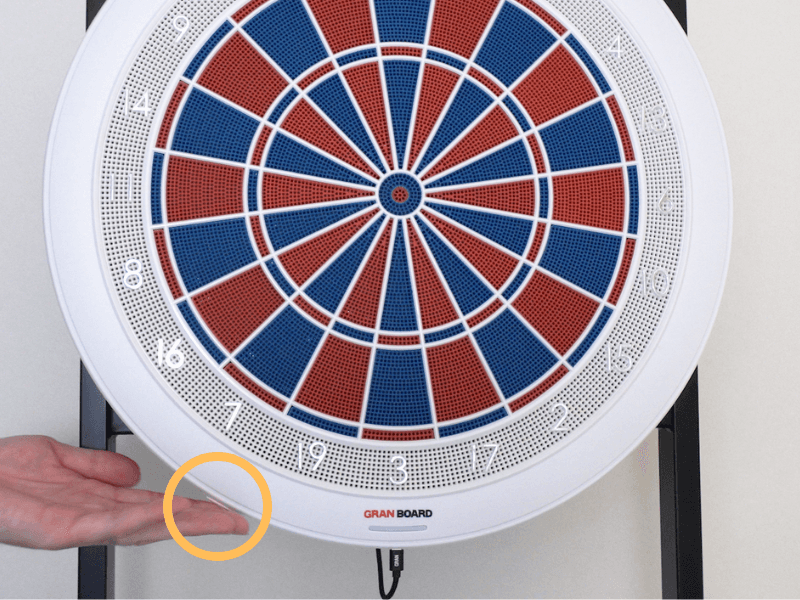
Turn on the GRANBOARD132.
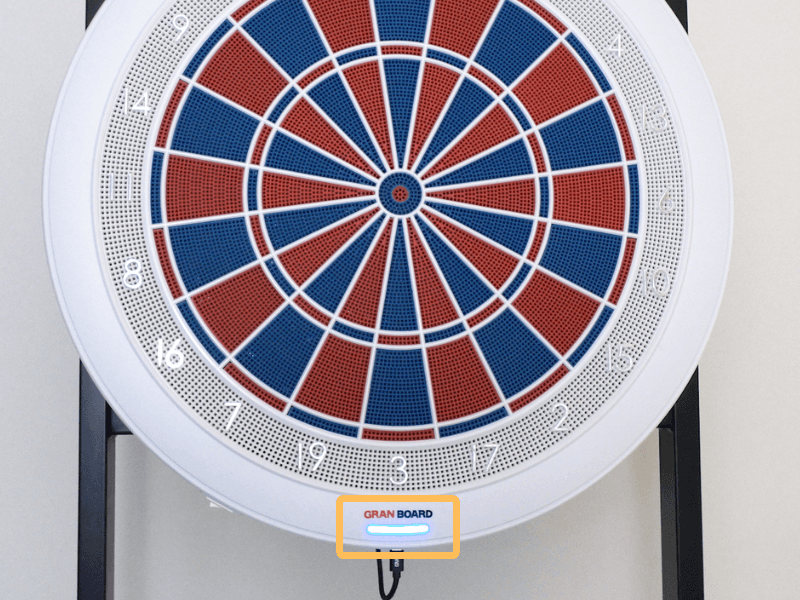
When the indicator light turns blue, the connection is complete.