Clear the Wi-Fi information saved on the camera
How to reset Wi‑Fi settings
Press and hold the button about 5 cm below the camera lens.
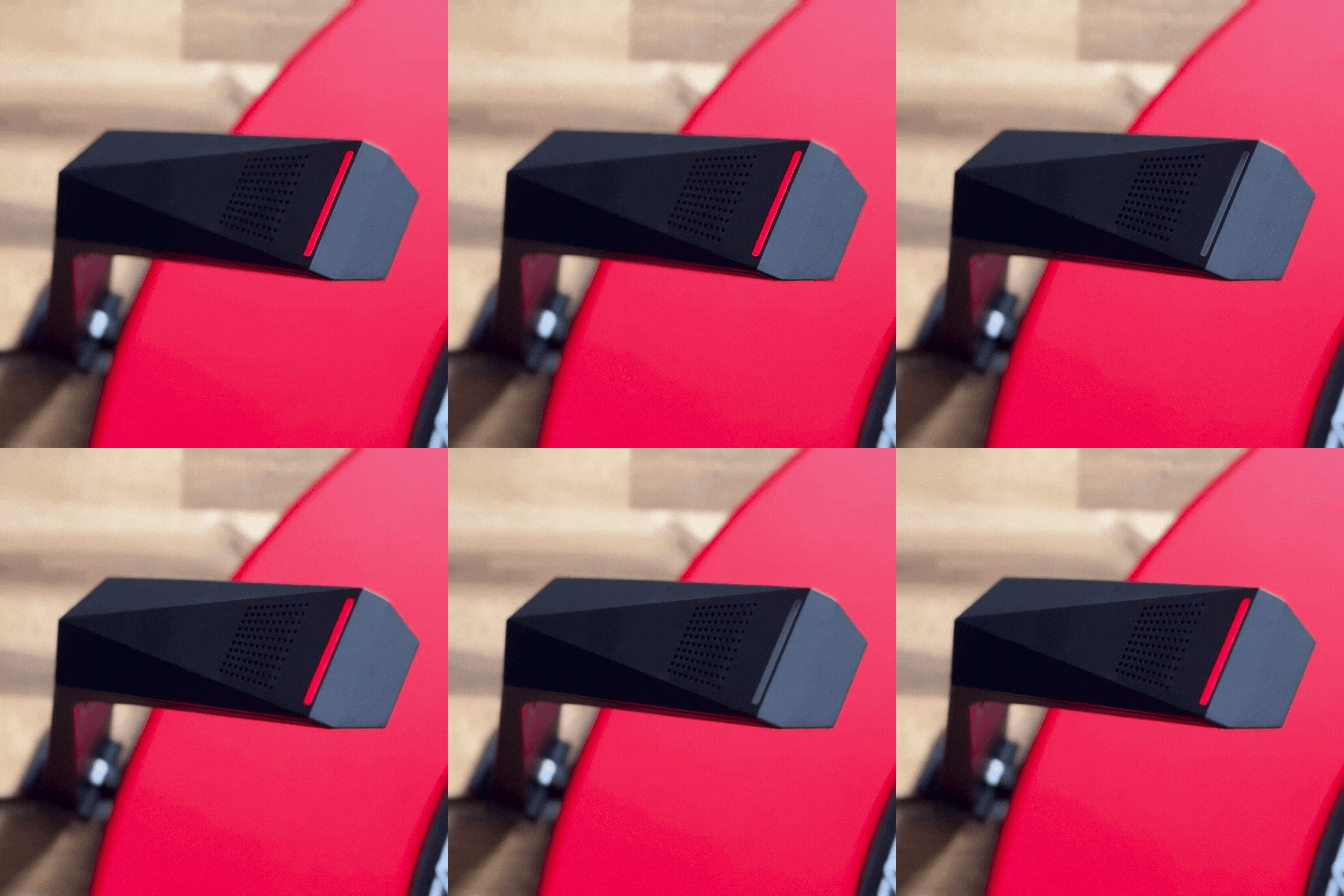
When the camera LED starts blinking red rapidly, release the button.
The camera will restart. When the LED returns to the normal blinking red pattern, the reset is complete.
After resetting, go back to the previous screen and enter the Wi‑Fi information again.
✅ This is the correct state
Blinking Red
The camera has finished starting up and is ready to connect to Wi‑Fi.
Related Article
GRAN EYE Wireless Connection Help
Connect GRAN EYE and your device to the same Wi-Fi
Camera Status Indicator
What each camera LED color and pattern means
The camera's LED is blinking green repeatedly
Fix a camera that can't finish connecting to Wi-Fi