English
GRAN EYE Wireless Connection Help
Connect GRAN EYE and your device to the same Wi-Fi
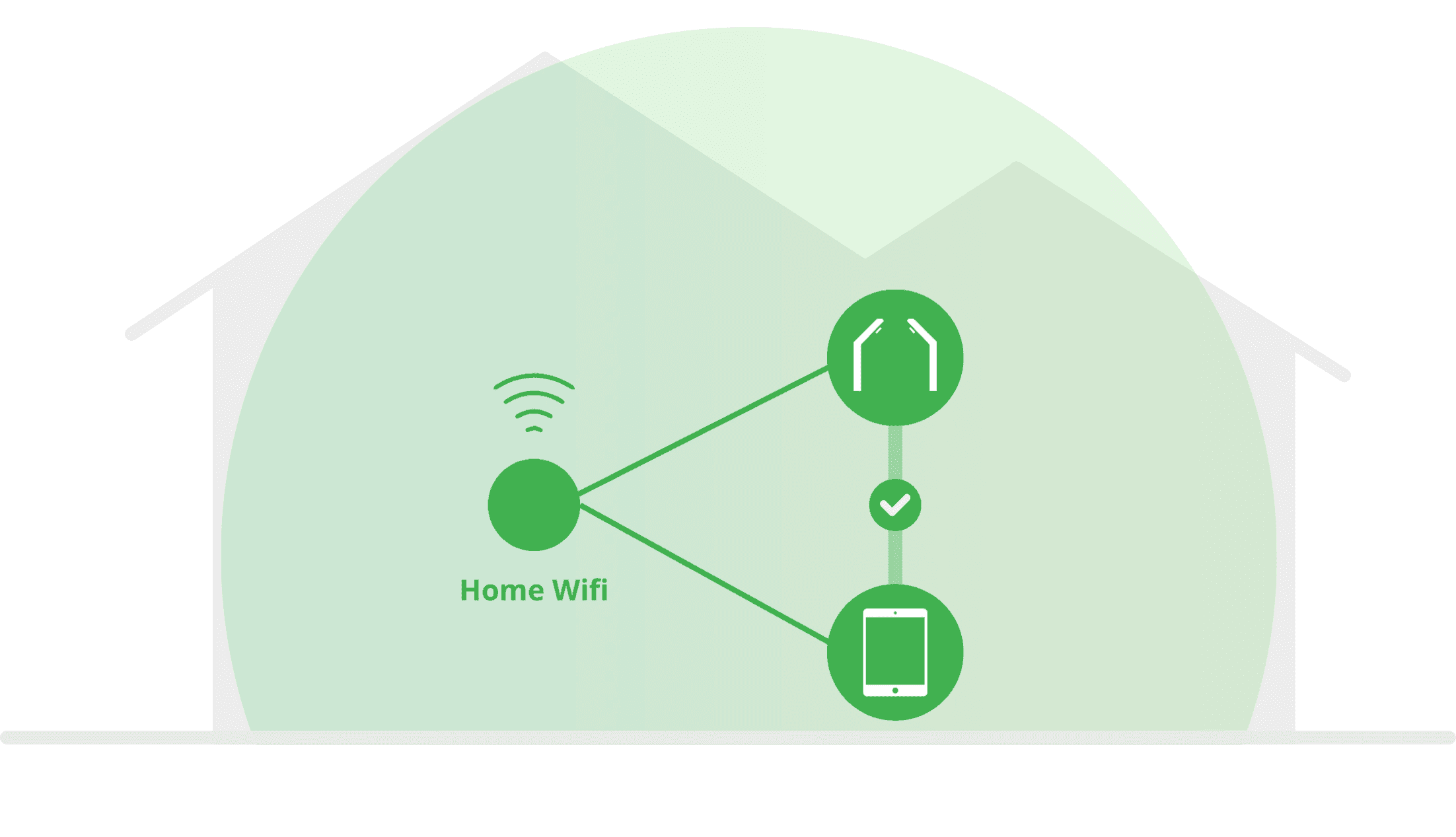
When GRAN EYE and your device are connected to the same Wi-Fi router, they can talk to each other. That is what you are setting up on this screen.
Which network to choose
Never choose a network with 5G in its name. GRAN EYE cannot connect to it.
A network with 2.4G in its name is safe to use.
Some networks do not show 2.4G or 5G in the name. You can try one of these, and if it does not connect, try another network.
Check for typos
One wrong character in the network name or password will stop the connection.
Please double-check for typos.
If you need to re-enter the information due to a typo, reset the camera’s Wi-Fi settings first.
For details, please refer to the related article How to Reset Wi-Fi Settings.
