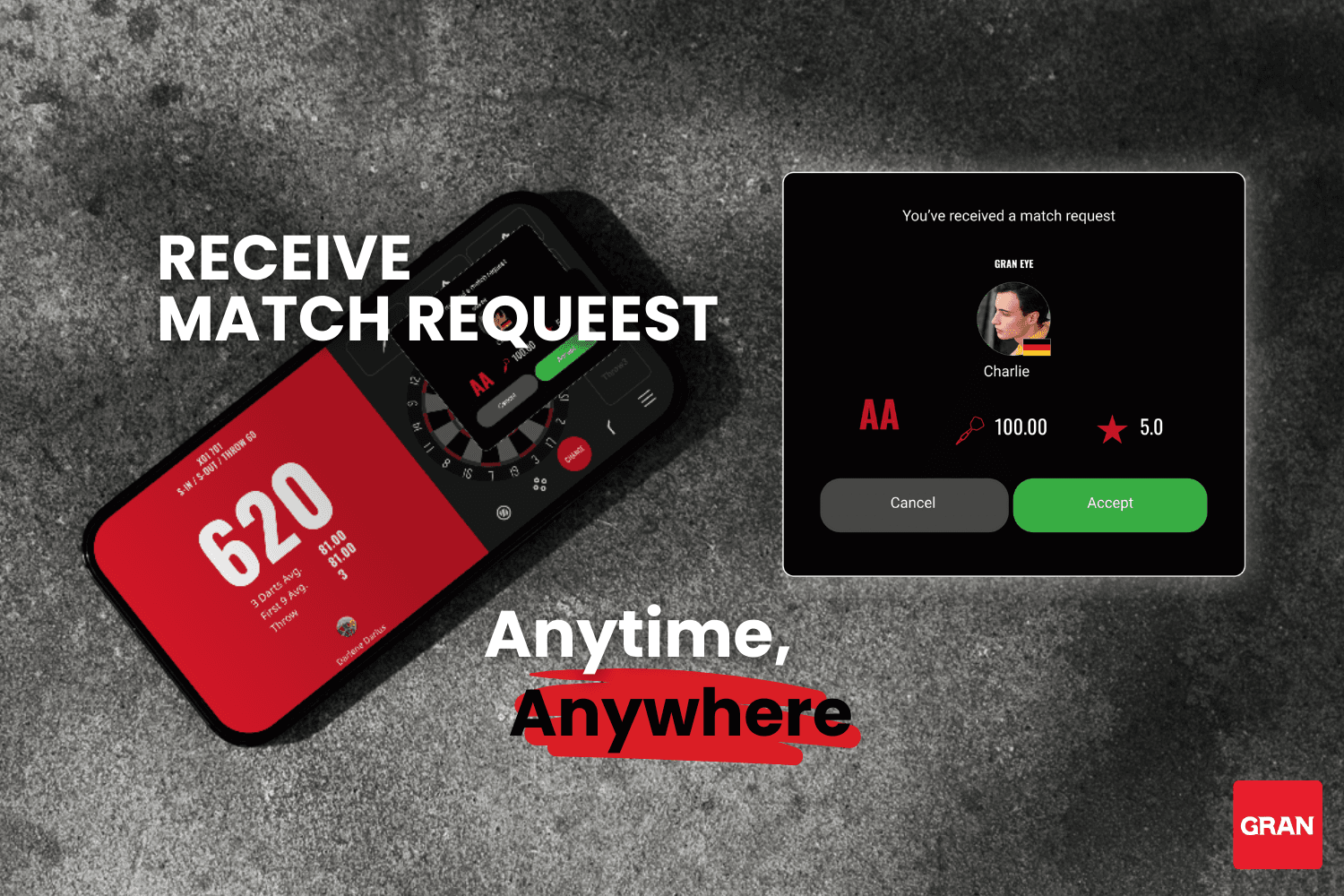
You Can Now Receive Match Requests Even Outside the Lobby!
With this update, online matches are now easier to connect and more comfortable to enjoy.
Until now, you had to stay inside the lobby to receive match requests.
With this update, you can now receive match requests even after leaving the lobby!
You can check the full list of changes in the changelog.
https://www.gran-darts.com/grandartsapp/changelog
What’s Changed in This Update?
Previously, the lobby often experienced unavoidable “near-misses,” such as:
“I waited in the lobby, but no one showed up…”
“Someone entered the lobby a few seconds after I left…”
To fix this, your match room will now remain active even after you leave the lobby, making it much easier to match with other players who have the app open.
Your chances of finding online opponents are now better than ever!
How to Use This Feature
Enter the Lobby
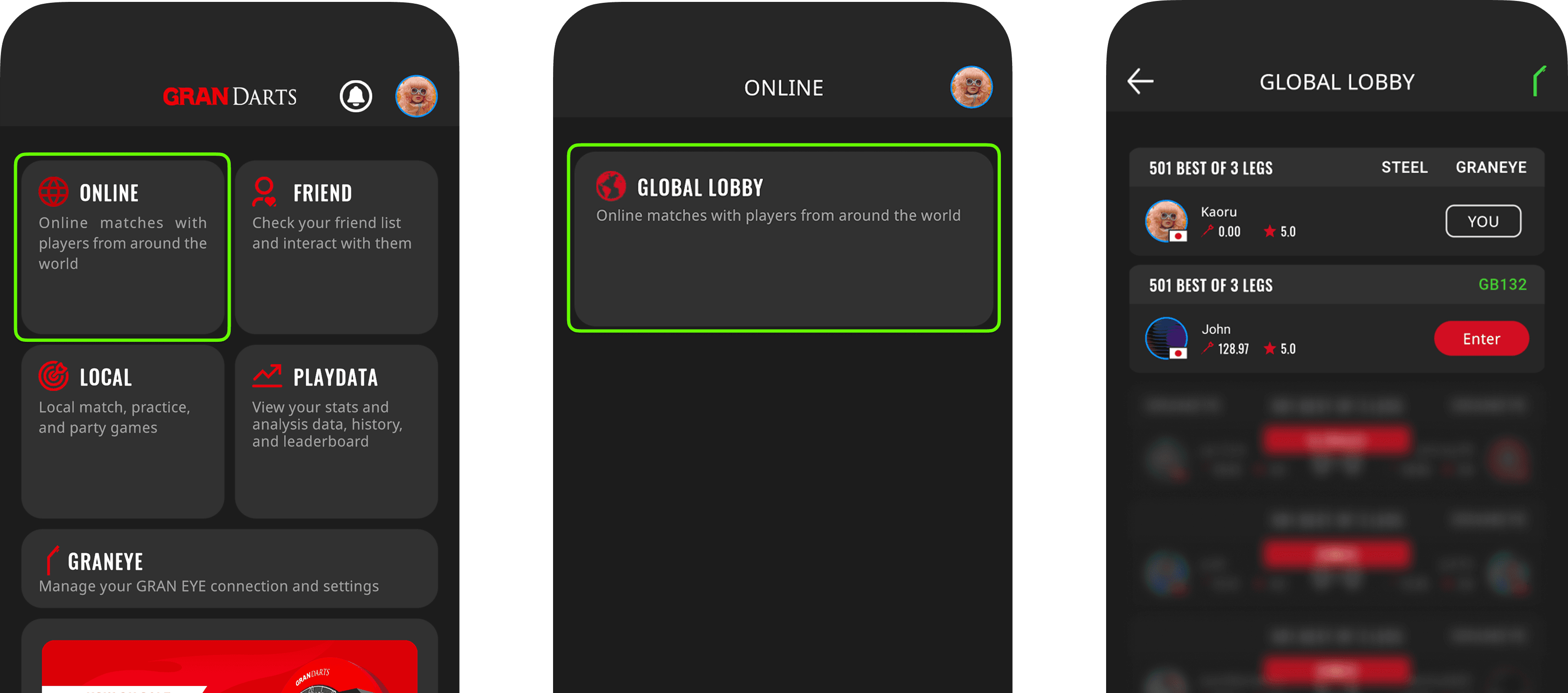
When you enter the lobby, your match room will be created automatically.
You can change your match format from the gear icon.
Tap “Back” to Leave the Lobby
When you press the Back(←) button, a message will appear:
“Do you want to keep your match room active so that other players can send you a challenge after you leave the lobby?”
→ Tap OK
Your Room Stays Visible Even After You Leave
Even after you exit the lobby, other players will still see your room and can send you match requests at any time.
You’re free to do anything while waiting:
Play local games
Check your play data
Adjust your settings
You can use other features in the app without losing your room.
⚠️ Note
Push notifications are not supported yet
You must keep the GranDarts app open to receive match requests.
If you close the app, you won’t be able to receive them.
You’ll Receive a Notification When a Match Request Arrives
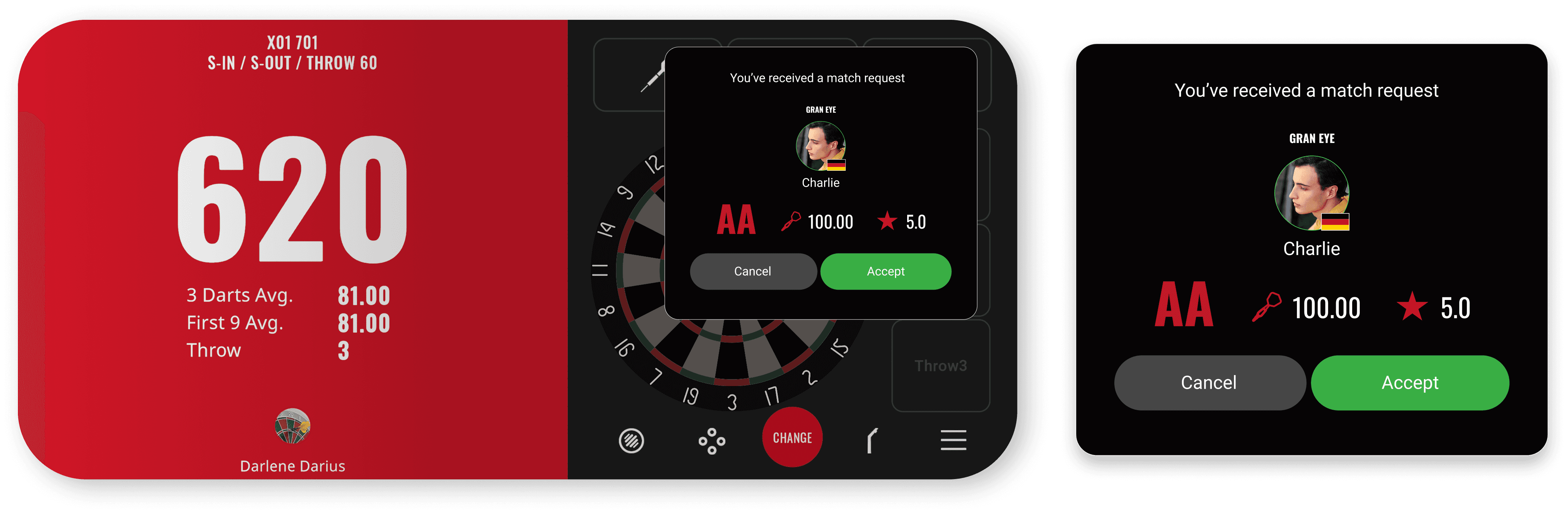
A pop-up will appear on your screen when someone challenges you.
Accept the request to start the match right away.
The Lobby UI Has Also Been Updated
We’ve also refreshed the lobby UI in this update.
Coffee icon | Show or hide your own match room. |
|---|---|
Dart icon | Check the match format you have set. |
Gear icon | Change your match format. |
Your profile icon | View your profile. |
Play More Online Matches!
This update introduces new features to make it easier to enjoy more online matches.
We hope you enjoy smoother and more accessible matchmaking with the GranDarts App!
Giveaway Event is ON!
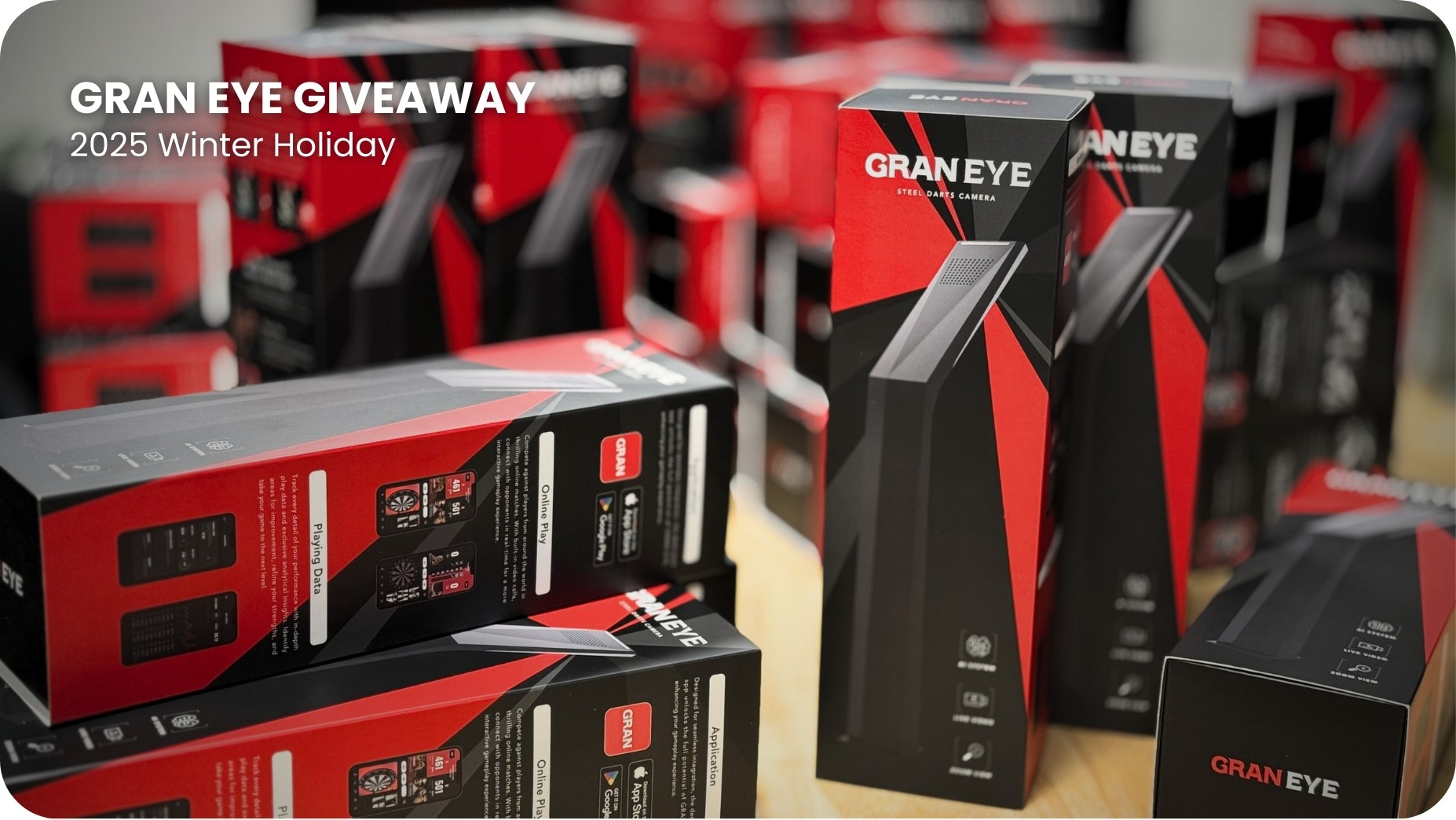
We’re running a special event where playing online matches on the GranDarts App gives you a chance to win a GRAN EYE!
Every week, 10 winners will be selected—don’t miss this big opportunity!
Check out the event details here: