Camera Status Indicator

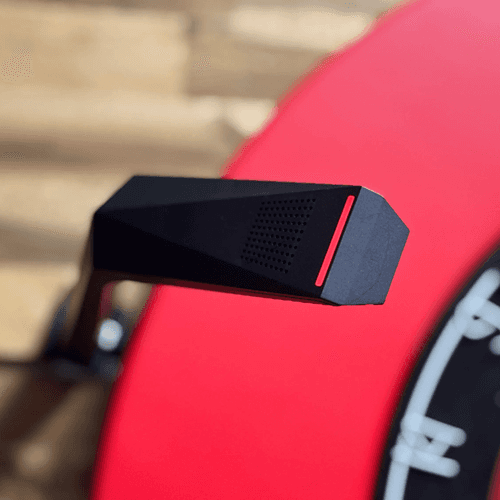
Solid Red | Camera is starting. |
|---|---|
When it lights up red | Right after turning on the power. |

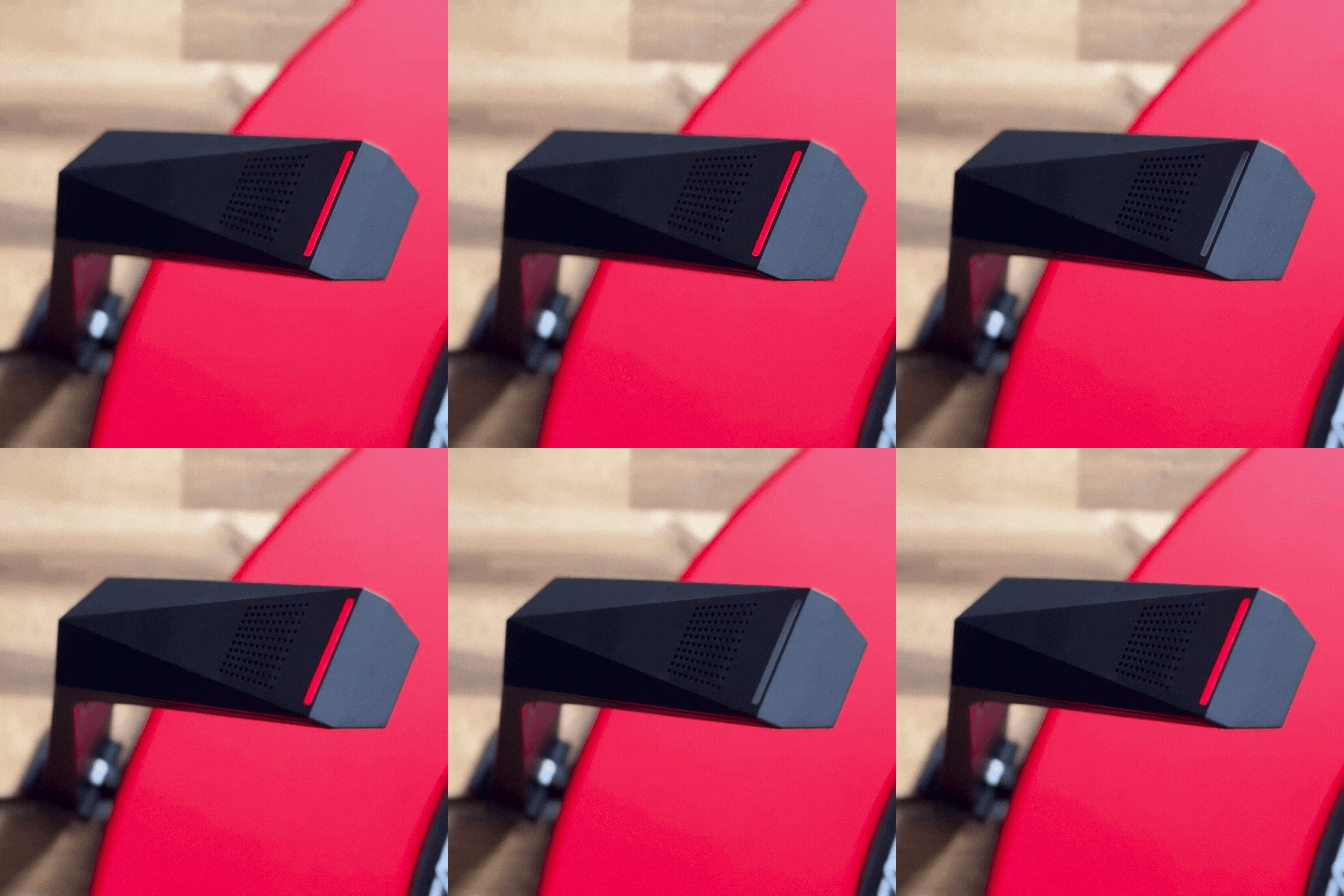
Blinking Red | The camera has finished starting up and is ready to connect to Wi-Fi. |
|---|---|
When it blinks red | Before scanning the QR code. |

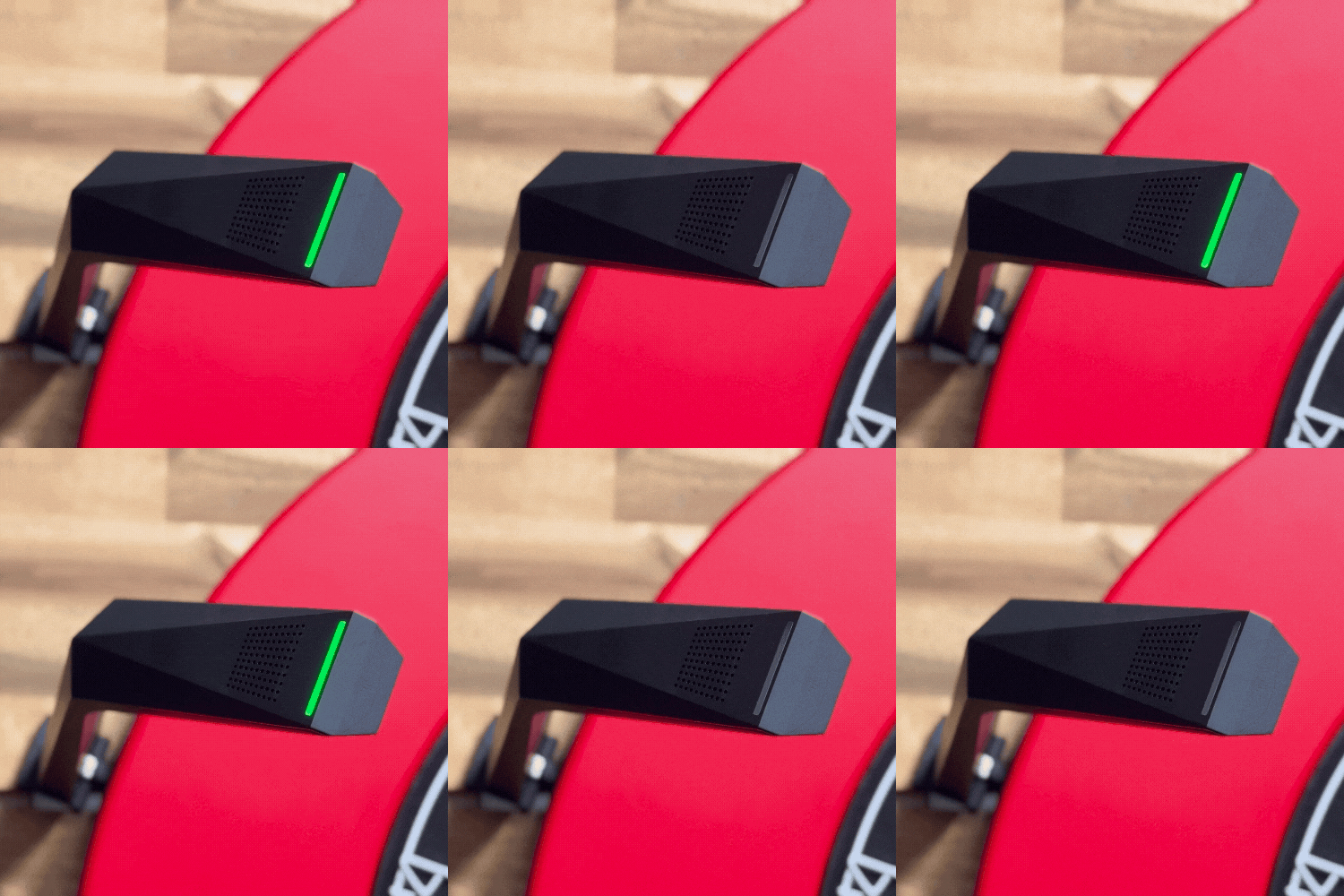
Blinking Green | The camera has received the Wi-Fi information and is attempting to connect. Once received, the Wi-Fi information is stored until you reset it. |
|---|---|
When it blinks green | Until the camera is connected to Wi‑Fi after scanning the QR code. |

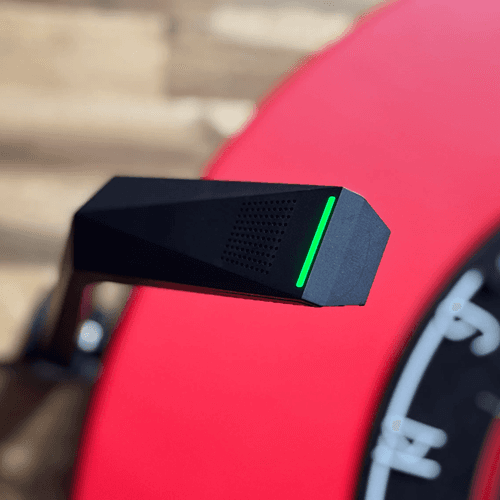
Solid Green | The camera has successfully connected to the Wi-Fi. |
|---|---|
When it lights solid green | While playing via Wi‑Fi. |

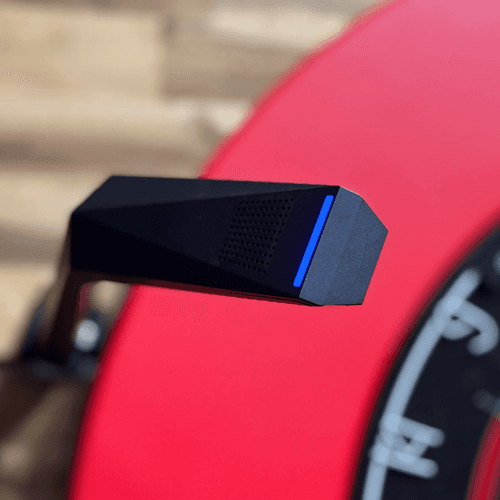
Solid Blue | The camera has successfully connected via USB. |
|---|---|
When it lights solid blue | While playing via USB. |

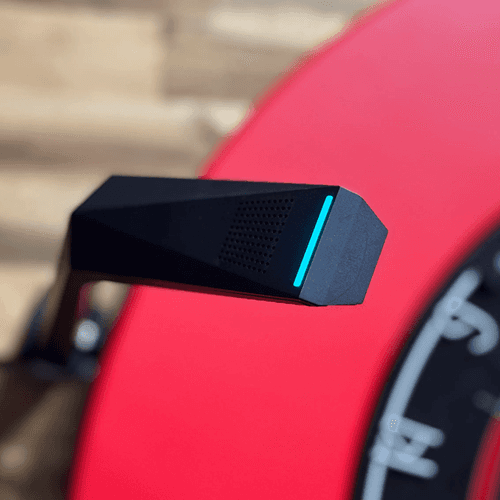
Cyan | The camera has received a request from the app to capture an image and is transmitting the image to the app. |
|---|---|
When it lights cyan | When a dart hits / Auto Change / Calibration settings, etc. |

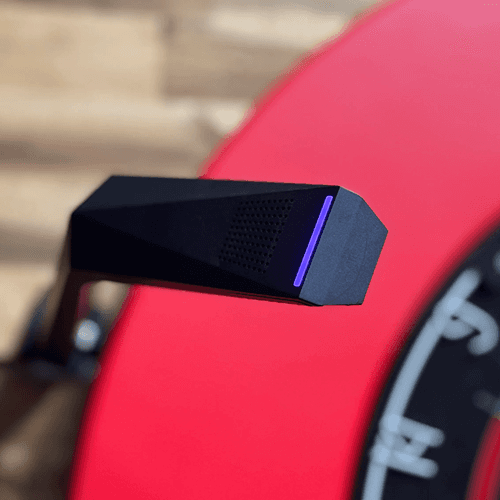
Purple | The camera is running in video mode. |
|---|---|
When it lights purple | Focus settings / Online matches, etc. |

Solid Red | Camera is starting. |
|---|---|
When it lights up red | Right after turning on the power. |

Blinking Red | The camera has finished starting up and is ready to connect to Wi-Fi. |
|---|---|
When it blinks red | Before scanning the QR code. |

Blinking Green | The camera has received the Wi-Fi information and is attempting to connect. Once received, the Wi-Fi information is stored until you reset it. |
|---|---|
When it blinks green | Until the camera is connected to Wi‑Fi after scanning the QR code. |

Solid Green | The camera has successfully connected to the Wi-Fi. |
|---|---|
When it lights solid green | While playing via Wi‑Fi. |

Solid Blue | The camera has successfully connected via USB. |
|---|---|
When it lights solid blue | While playing via USB. |

Cyan | The camera has received a request from the app to capture an image and is transmitting the image to the app. |
|---|---|
When it lights cyan | When a dart hits / Auto Change / Calibration settings, etc. |

Purple | The camera is running in video mode. |
|---|---|
When it lights purple | Focus settings / Online matches, etc. |