Calibration Failed
What to check when calibration keeps failing
First, try calibrating two or three times. Many failures clear up on a retry.
If it still fails, check the items below.
Is the whole dartboard inside the camera view?
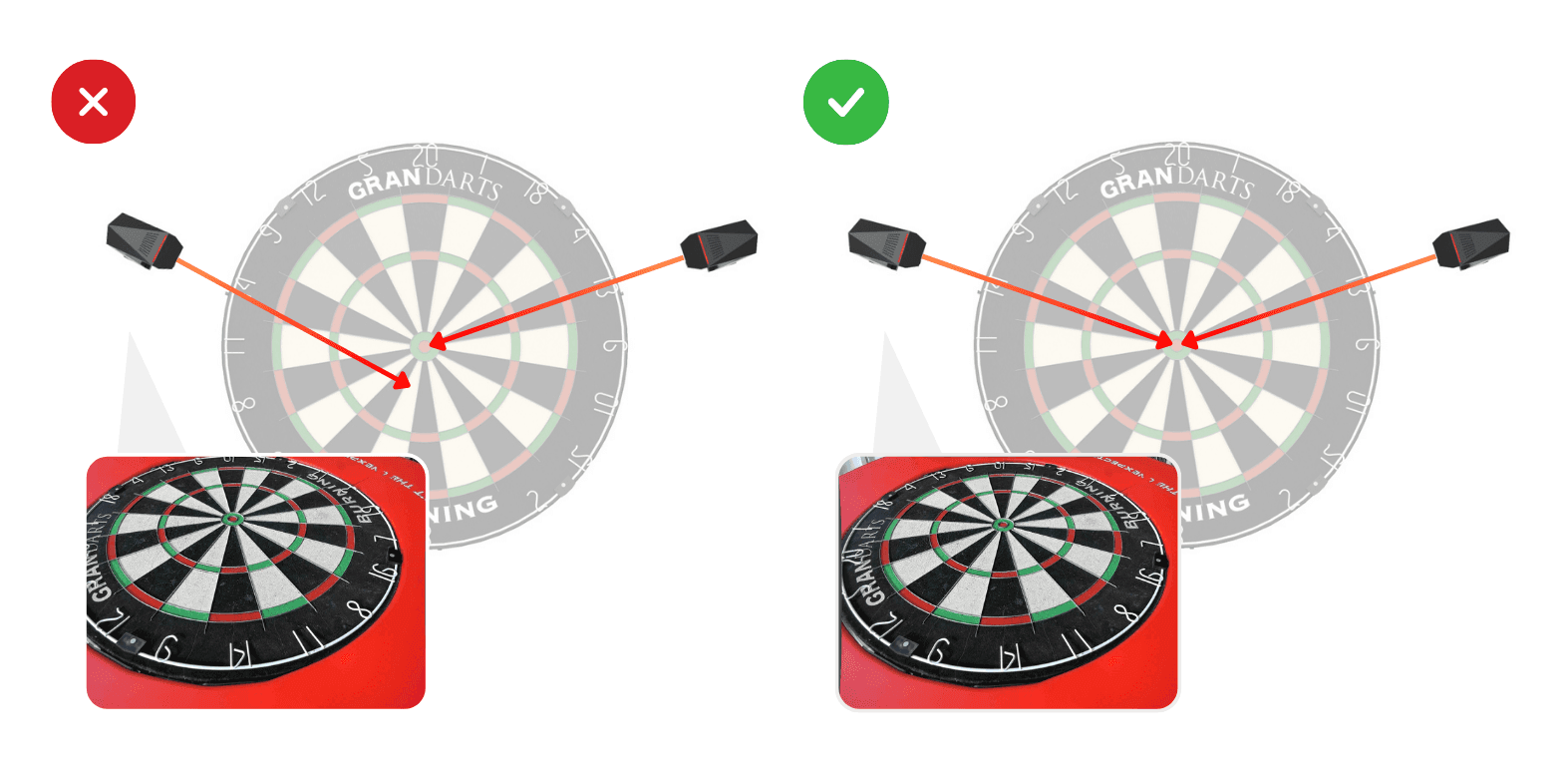
Select the “check the Camera Angle” option, and confirm the dartboard is inside the camera view.
Is the camera in focus?
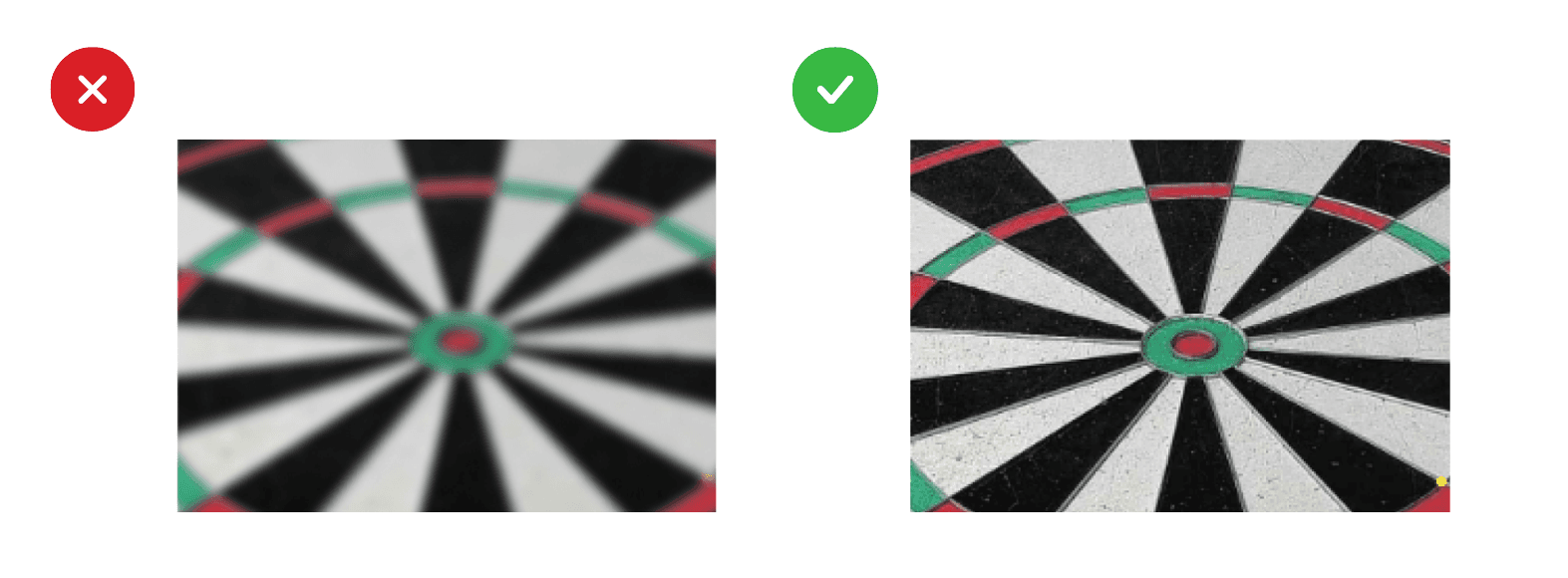
Select the “Focus Adjustment” option, and confirm that the image isn’t blurry.
Are any darts still in the board?
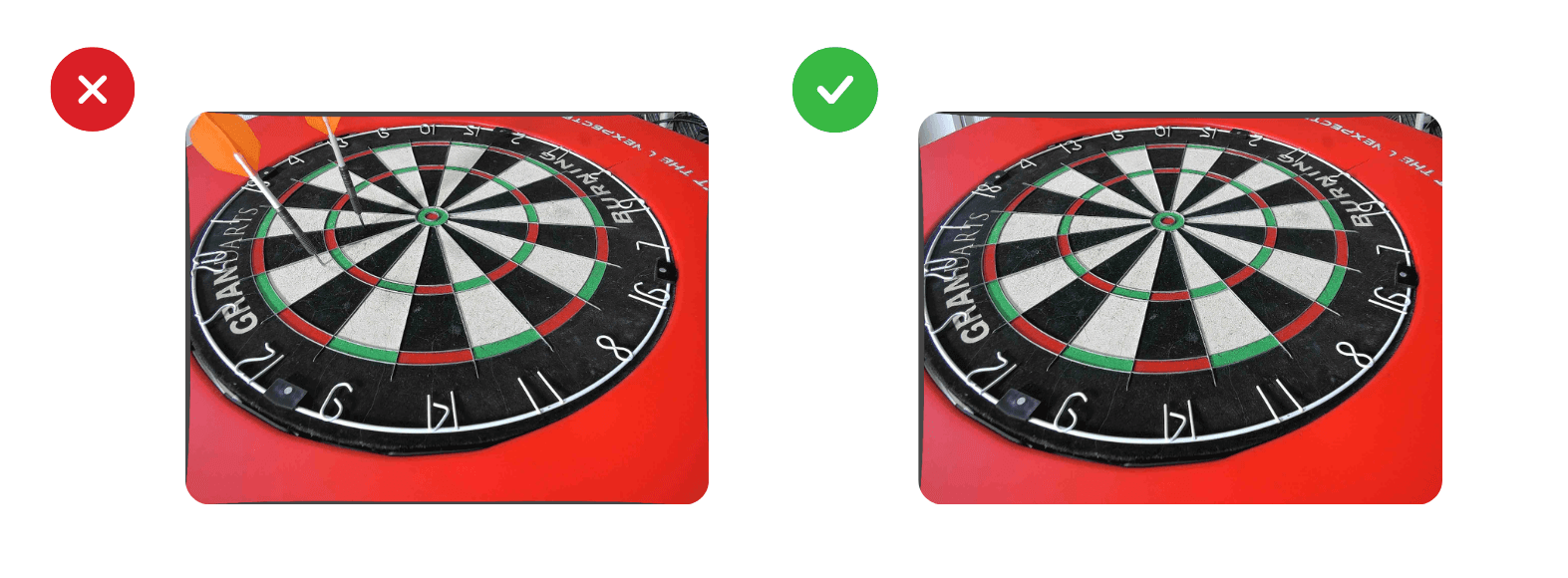
Take them out.
Is anything between the camera and the board?
A lens cap, your hand, etc. Clear it away, then calibrate again.
Is the lighting too bright?
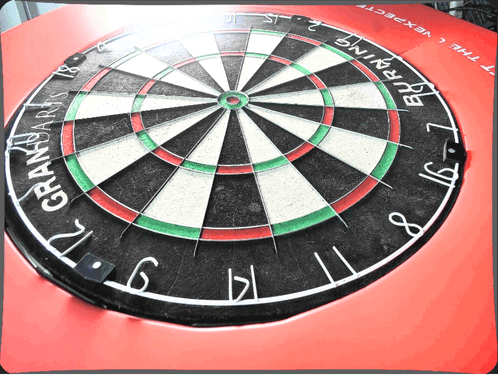
Using several lights at once can wash out the image. Lower the light, then calibrate again.
Are the cameras set in the correct positions?
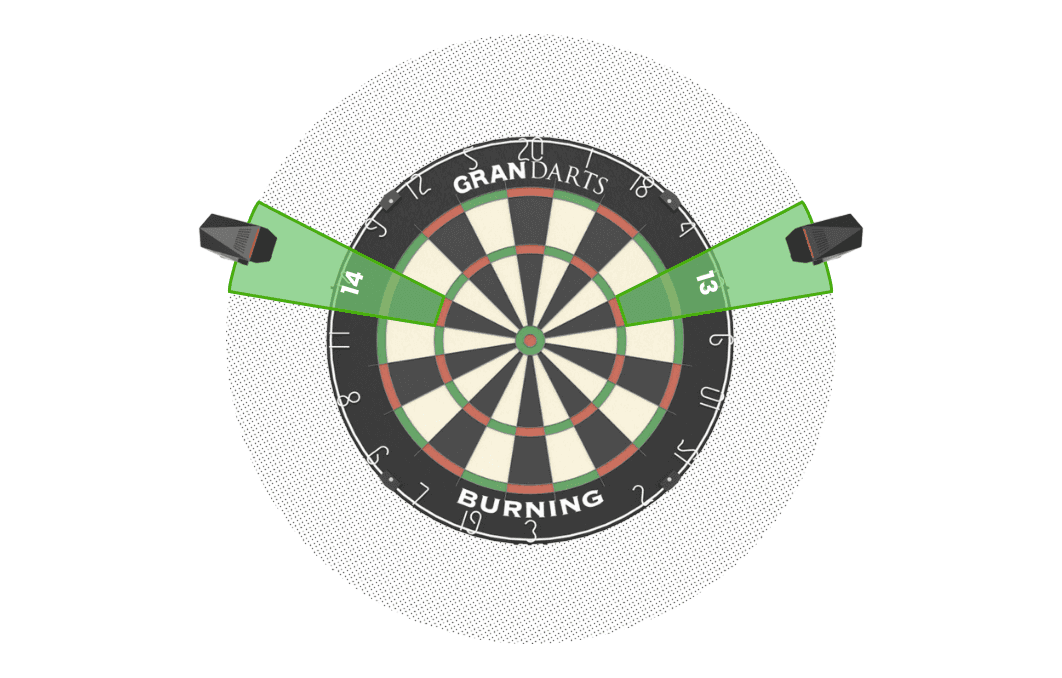
Cameras must be placed at numbers 13 and 14.
If no image is captured at all
Check that the camera is powered on and connected.
On a USB Connection, the longer 2m cable can cause this. Try the shorter cable.
On a Wireless Connection, a weak signal can make capturing the image slow.
