How to Reset Wi-Fi Settings
How to reset Wi‑Fi settings
Press and hold the button about 5 cm below the camera lens.
When the camera LED starts blinking red rapidly, release the button.
The camera will restart. When the LED returns to the normal blinking red pattern, the reset is complete.
After resetting, go back to the previous screen and enter the Wi‑Fi information again.
✅ This is the correct state
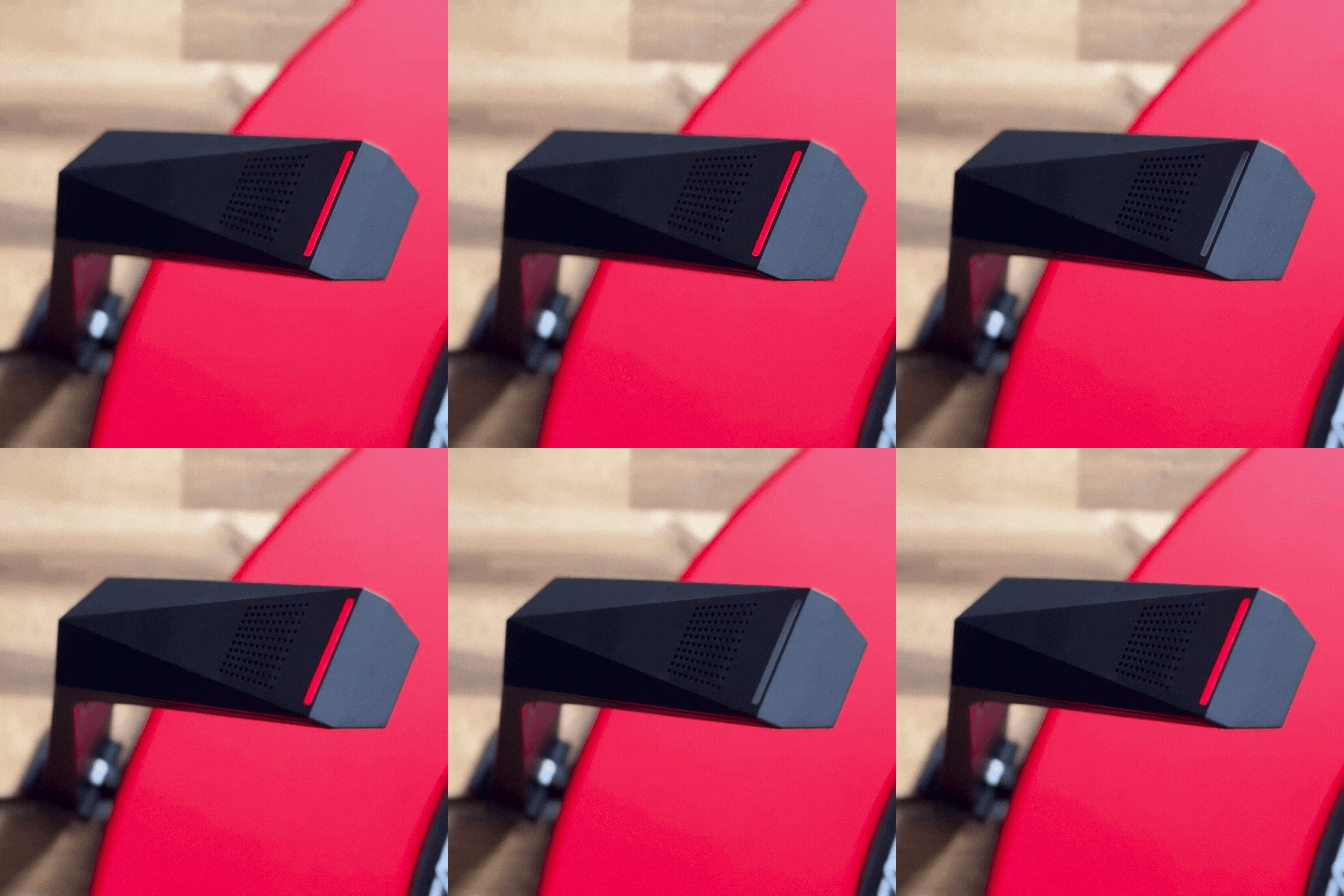
Blinking Red | The camera has finished starting up and is ready to connect to Wi‑Fi. |
|---|
How to reset Wi‑Fi settings
Press and hold the button about 5 cm below the camera lens.
When the camera LED starts blinking red rapidly, release the button.
The camera will restart. When the LED returns to the normal blinking red pattern, the reset is complete.
After resetting, go back to the previous screen and enter the Wi‑Fi information again.
✅ This is the correct state
Blinking Red | The camera has finished starting up and is ready to connect to Wi‑Fi. |
|---|